SolidJS Modal Tutorial
A 90-minute deep-dive video on building an accessible modal in SolidJS, covering state, effects, refs, and control-flow components.
Learn More BelowOverview
- I created a 1.5 hour technical walkthrough on building an accessible Modal component in SolidJS.
- The video walks step-by-step from project setup to keyboard accessibility, demonstrating SolidJS fundamentals along the way.
- The tutorial has received 1,700+ views and very positive community feedback, highlighting clarity, pacing, and depth.
SolidJS Fundamentals
- Introduced the SolidJS environment, project structure, and setup using PNPM, ESLint, and global styles.
- Demonstrated core concepts including:
- createSignal
- createEffect
- Component props
- Refs
- The Show control-flow component
Building the Modal Component
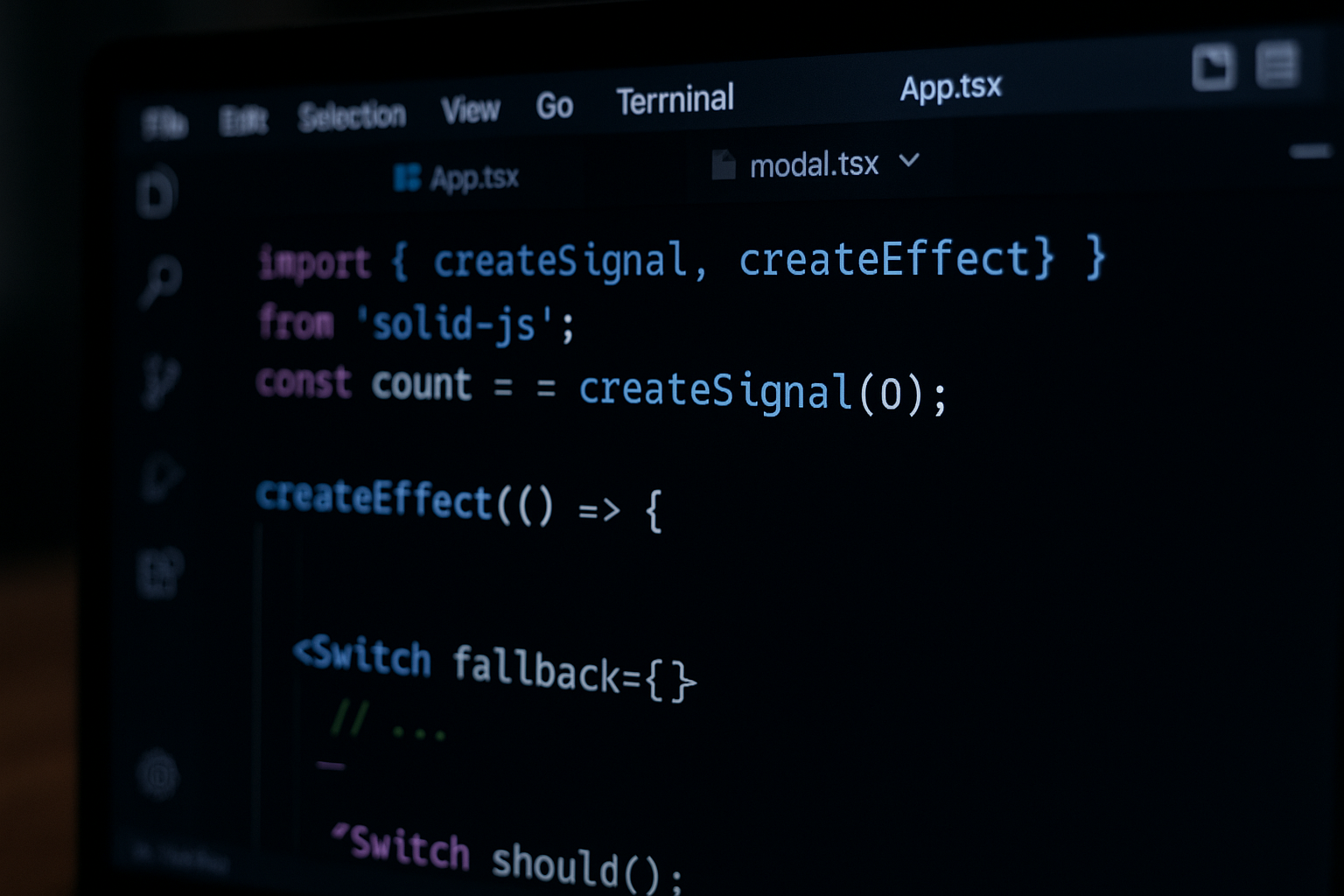
- Created the modal’s base HTML structure and props API.
- Implemented the state layer with SolidJS signals to handle open/close behavior.
- Integrated dynamic rendering with
<Show>to keep DOM clean until the modal is needed.
Accessibility & UX Enhancements
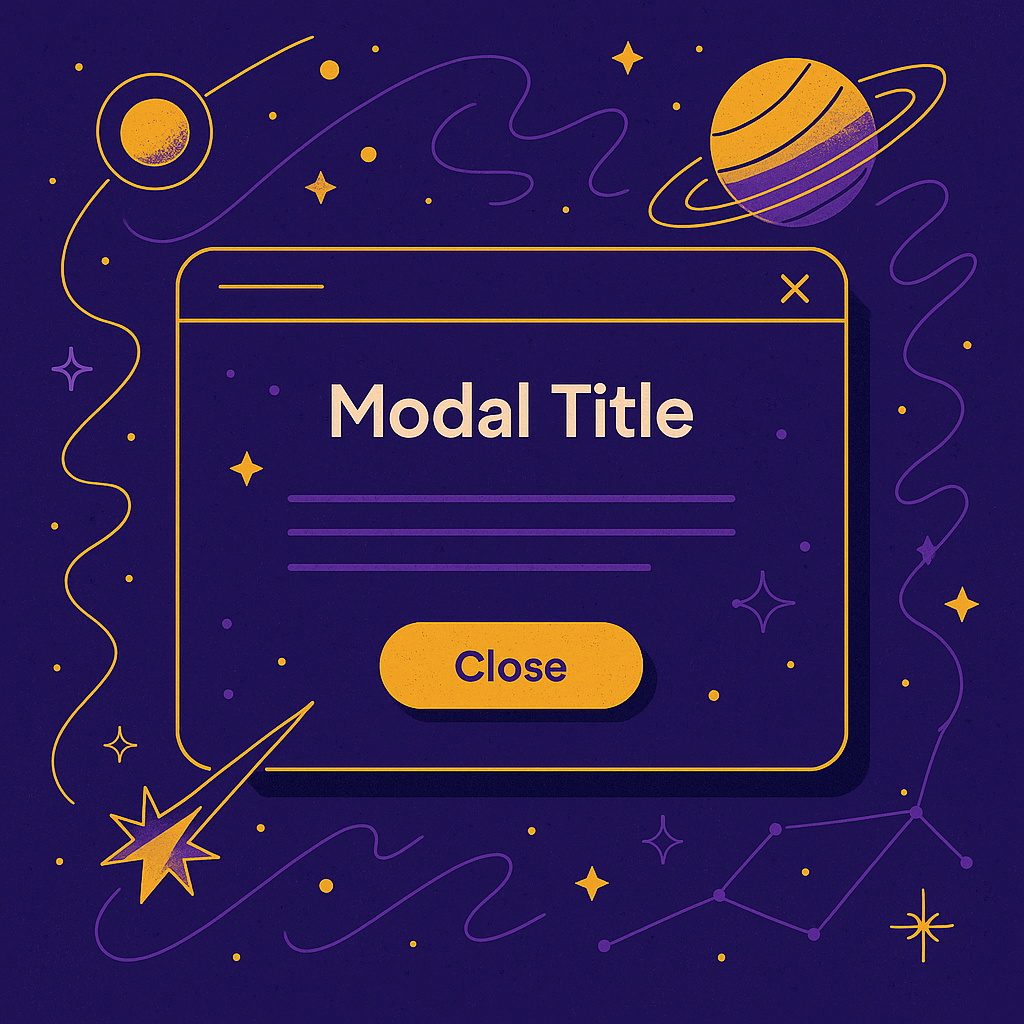
- Added keyboard handling and focus management using
createEffectand DOM refs. - Ensured returning focus to the triggering element after modal close.
- Reviewed aria attributes, tab trapping, and escape key behavior.

Advanced Control Flow with Switch/Match
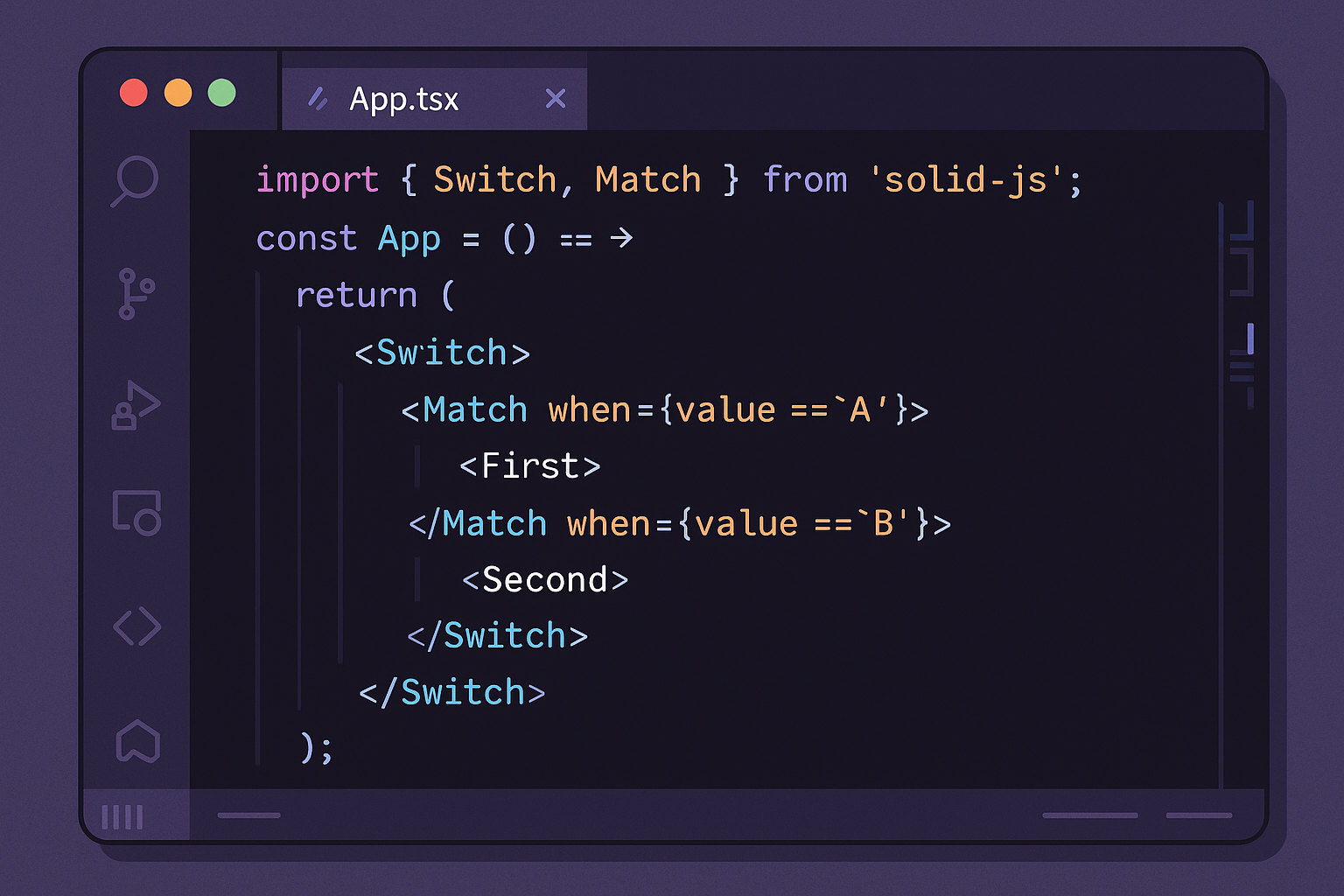
- Demonstrated Solid’s Switch and Match components to handle modal sub-states and conditional sections.
- Built small utility functions to keep the modal logic clean and maintainable.
Community Impact
- The video has 1,700+ views, high engagement, and positive feedback from developers learning SolidJS.
- Showcases my ability to teach, guide, and explain complex concepts with clarity.